What's New in ShoWorks 2024!
Print ThisClick Here to Order

Upgrade discount available to current 2020 Service Plan Users
Click here for the minimum requirements of ShoWorks 2024.
64-bit | Secure | Compatible | Anywhere | Loaded with Enhancements
Top new features in ShoWorks 2024 (see ShoWorks 2020 further down for more features)
Forward and Backward compatibility, with the familiar interface
Your data can be shared back and forth across older versions of ShoWorks and because the interface actions have been retained, you have no need to relearn a new program.64-bit
Completely rebuilt on the latest 64-bit platform, providing ultimate compatibility with all versions of Microsoft Office (2013 and newer 64-bit) and Windows, including both MSI and Click-To-Run installs.
Modern security protocols
Enhanced security using the latest and safe web protocols to protect yours and your exhibitors data.
ShoWorks Anywhere
Run ShoWorks locally or 100% in the Cloud, or both. Leverage the strengths of web access to administer ShoWorks from anywhere, anytime, on any kind of machine while still safeguarding your fair from scenarios when internet becomes unstable by running ShoWorks in the same local setting from prior versions. Mix and match to fit your needs. ShoWorks is fully supported in the cloud using Microsoft Azure virtualized networking and desktops, giving you unparalleled cost savings in hardware investments and scalable flexibility for both on and off seasonal needs.* requires Azure Cloud serverless virtualization for a minimal subscription fee

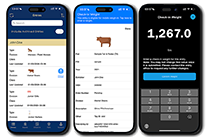
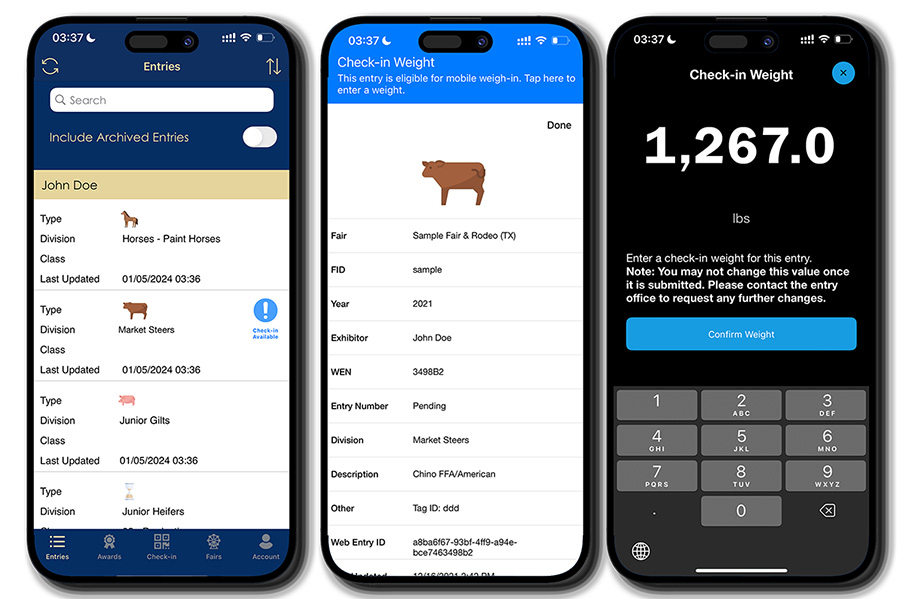
Remote weigh-in and check-in
Allow exhibitors to weigh-in and check-in their entries on their own, directly within the free ShoWorks Passport mobile app.
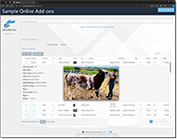
Online Add-ons
Allow buyers, friends and relatives of the exhibitor to give Add-ons to their auction item directly within the native ShoWorks online portal/website. Simply send your generous donors to the same familiar ShoWorks online website and let them fund your exhibitors greater than ever before! Learn more about online add-ons here.

Share and import data to and from third-party auction services
ShoWorks now allows for the exporting of auction data to third-party providers and reads the data back into ShoWorks for further processing.

New sale order and sale adjustment options
In addition to the many ways ShoWorks sets and adjusts the sale/auction.
QuickBooks Online support
In addition to the existing support for exporting financial data to QuickBooks Desktop (.IIF), the new ShoWorks also exports to the QuickBooks Online (.QBO) format.

Enhanced Report Wizard and other menus
Interactions with menus have been improved and polished with better layouts and accessibility to see and manage the data you need.
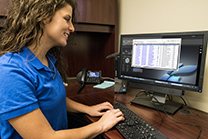
Improved preset reports
Added more options for changing and reporting over different fields in many preset reports for greater flexibility in reporting.
-
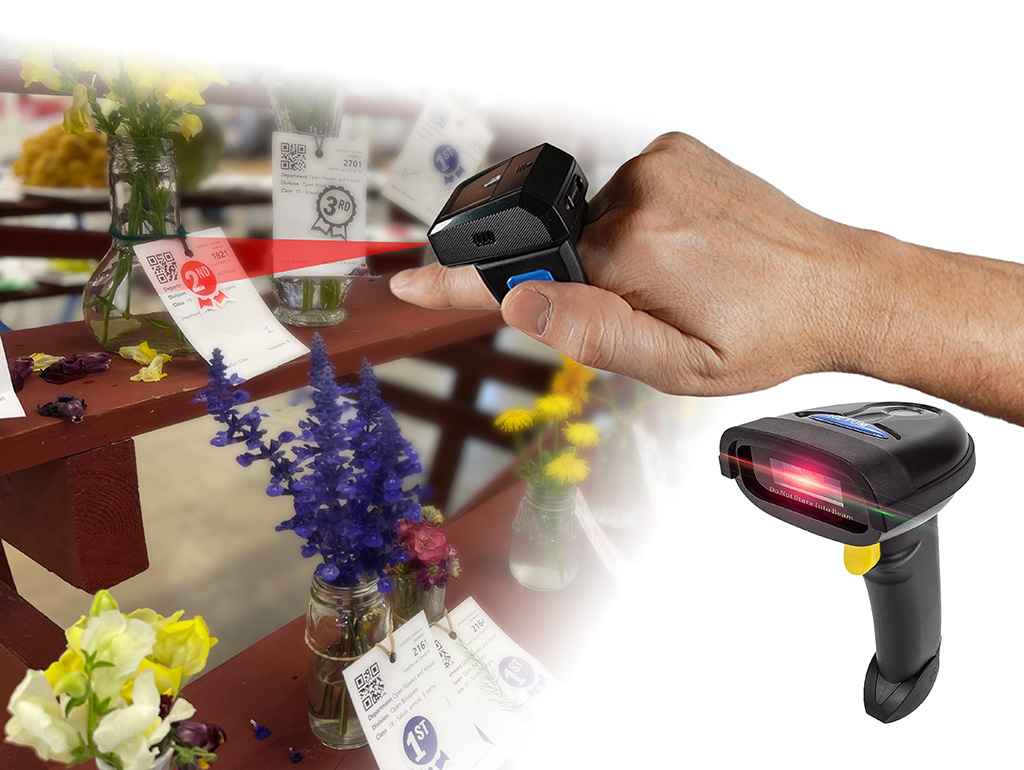
Support for the latest RFID readers and handheld/wearable laser scanners
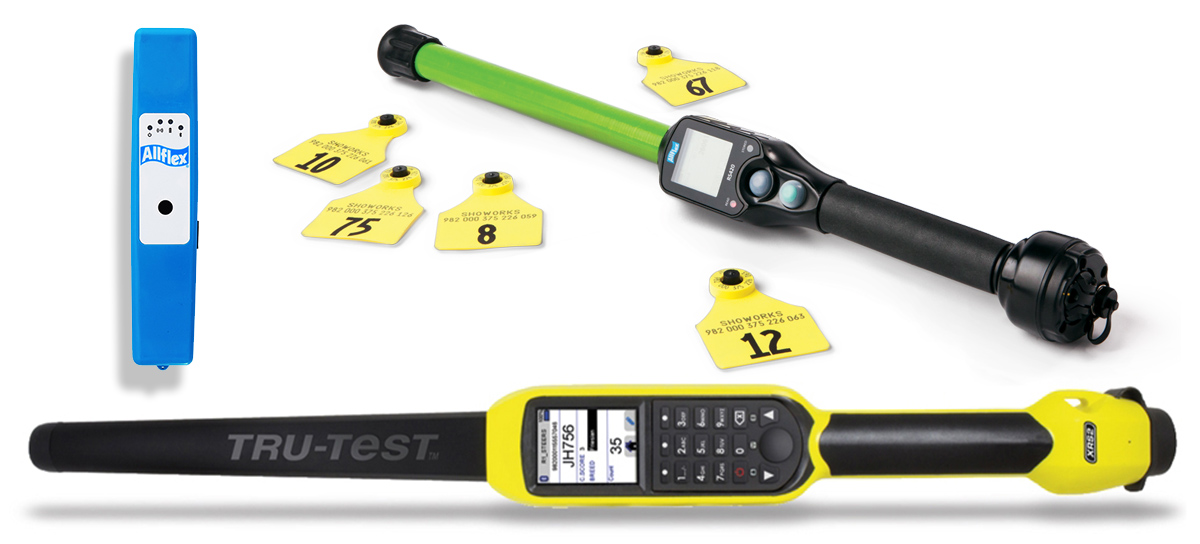
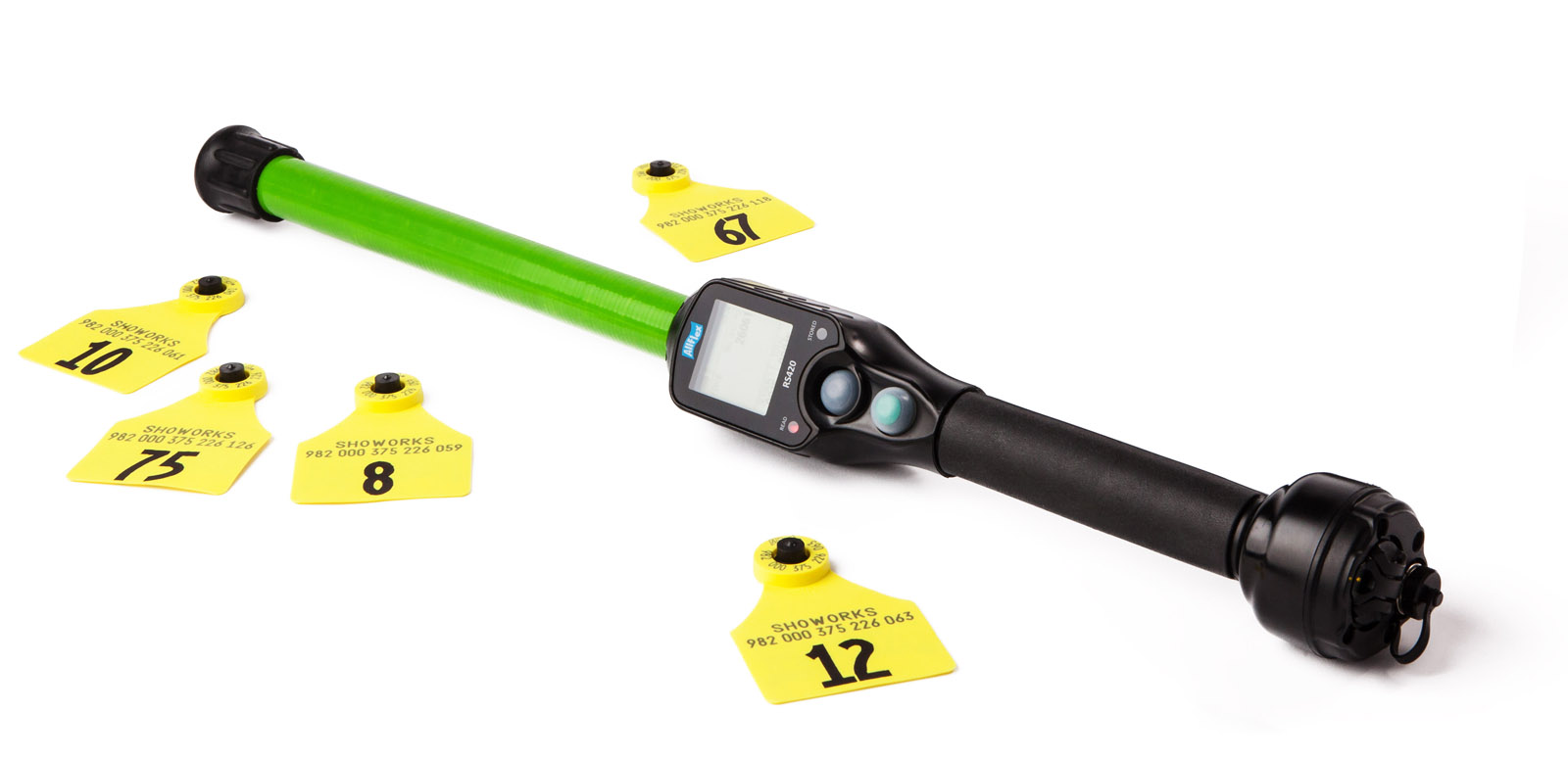
Scan static entry tags fast and easy using inexpensive hand-held laser scanners as well as finger wearable scanners paired with an iPad and the free ShoWorks iPad app. The newest Tru-Test and Allflex RFID ear tag readers for livestock are also supported.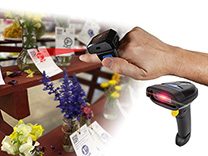
-
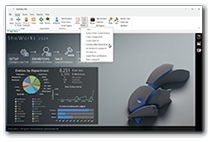
Dashboard improvements
Easily keep tabs visibly with real-time monitoring totals of your confirmed entries and judged entries - directly from the home screen.
-
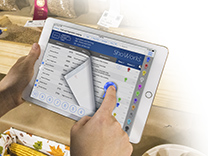
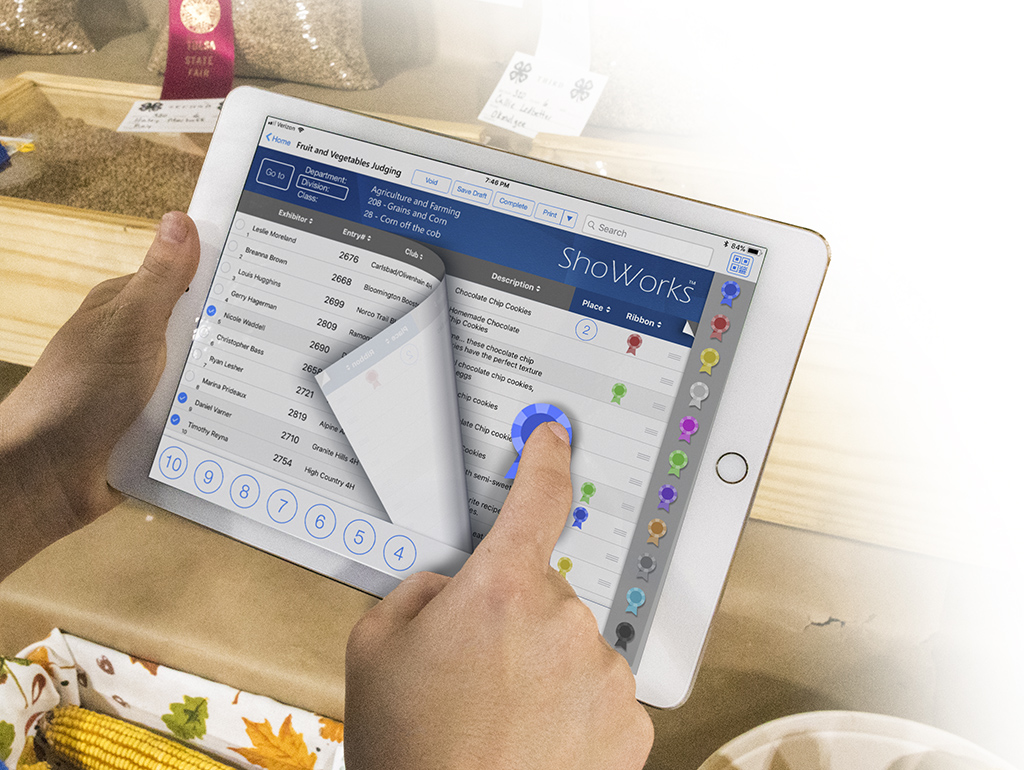
ShoWorks iPad and Passport App enhancements
New (more) field options in the iPad app for different layout preferences for judging and check-in and the ability for Passport users to securely remove their personal information.
-
Greater field sizes for larger data sets
Increase in the number of item quantities and numeric fields.
-
More user queries
Expanded offerings of queries (display of different data) based on feedback from real users across the US and Canada.
-
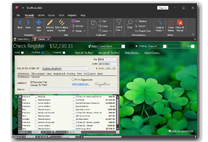
Check marking by range for easier printing and exports to other programs
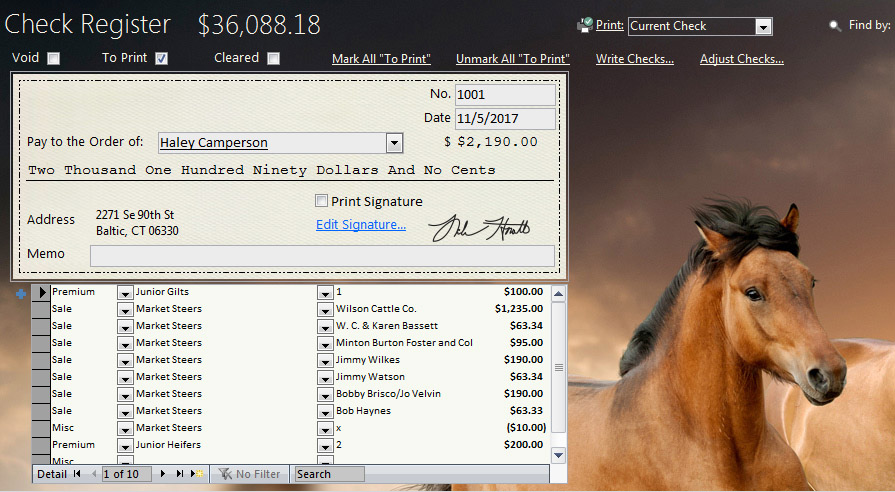
Sort and mark exhibitor checks by range directly within the Check Register.
-
Sentence case function
In addition to the clean up function that changes text to UPPERCASE, lowercase, and Proper Case, the "Sentence case" function has been added to all menus to tidy up and clean data that was entered haphazardly online by others.
-
Search and print functions
Added search function for Premiums and print function in the Auction Ledger.
-
...and over 100 fixes and enhancements based on 4 years of your feedback!
Prior features introduced in ShoWorks 2020
Notify Your Exhibitors
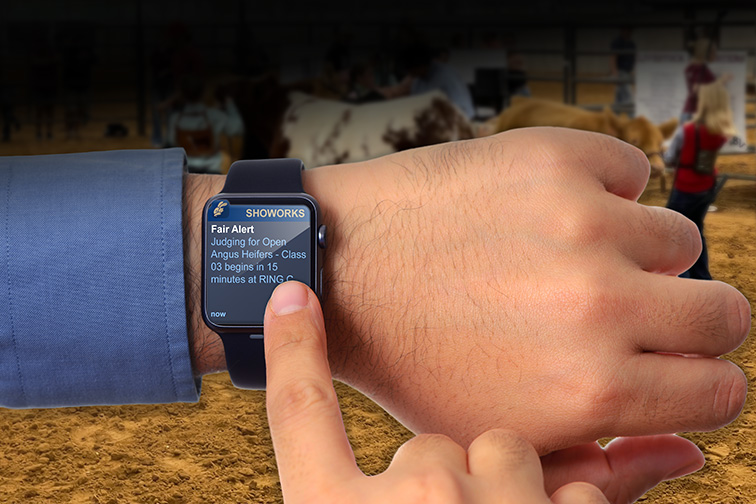
Instantly send push notifications directly to exhibitors on their iPhone, Android or Apple Watch. Within seconds, let a group of exhibitors know that their judging is about to begin or has been rescheduled. Automatically and instantly notify only those exhibitors whose entries have been updated or earned an award. Alert them of emergency or helpful announcements. Congratulate them when they win an award. Send them a quick 'thank you' when it's all over!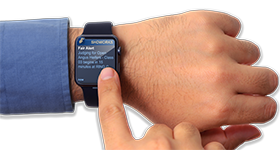
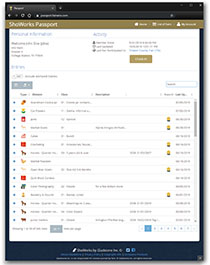
ShoWorks Passport
Exhibitors can now create their own, free, permanent account called a 'ShoWorks Passport' and keep up with their entries including seeing instant updates to those entries when changed by the fair. They can keep their account information year-to-year and across other fairs and even reuse past entries from their own library of entries, saving them time and errors. Create entries across over 1,000 participating fairs in North America, directly from within the ShoWorks Passport app for iPhone or Android or a web browser.
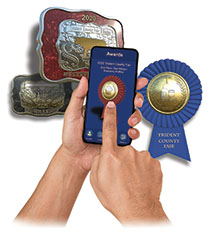
Virtual 3D-Awards
Give your exhibitors something special, at no cost to the fair. Now digital but very realistic 3D ribbons, belt buckles and trophies are automatically issued to exhibitors to keep as memorable tokens on their iPhone or Android mobile device. Each award is customized with your fair name, their own name, a description of their entry, the year won, and kind of award. Artificial intelligence automatically determines the type of entry among 42 different global standardized types like cattle, hogs, flowers, needlework, photography, etc. so that for example, a Grand Champion Market Steer exhibitor will receive a customized virtual belt buckle with a steer engraved in gold. A blue ribbon quilt exhibitor will receive a virtual blue ribbon with a symbol of a quilt engraved on the front and their information on the back of the ribbon. The exhibitor can even spin the award around to 'feel' the realistic award.
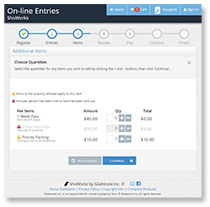
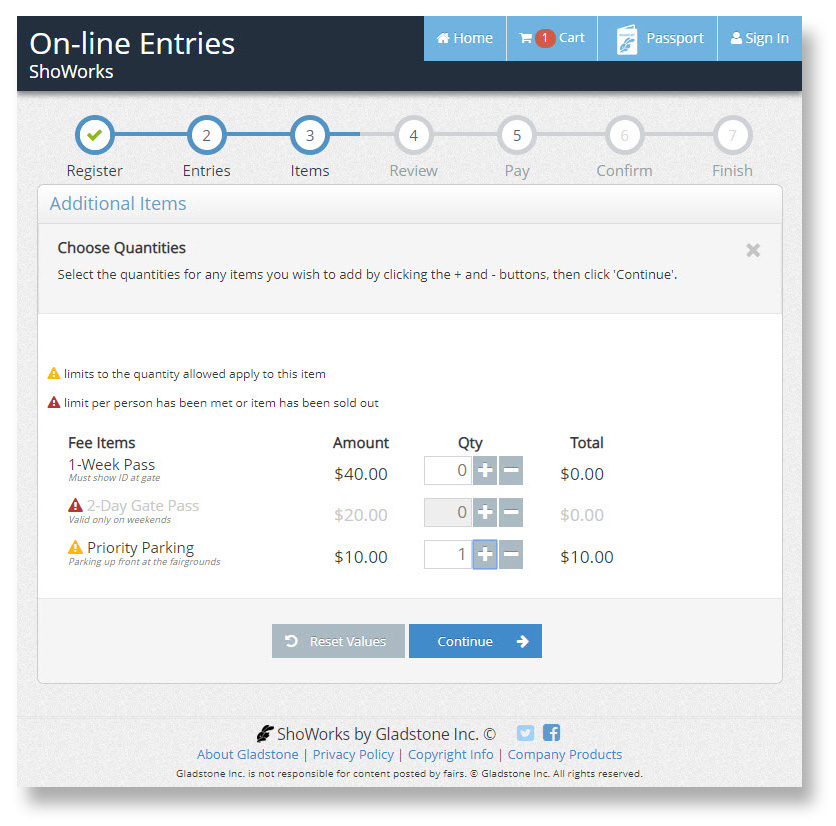
Set online fee item limits and restrictions
Set limits on fee items that exhibitors can purchase either per exhibitor or for the entire fair.
Clubs and Buyers can update their information online and Buyers can register online
Clubs and Buyers can now update their information and Buyers register online prior to the auction.More online payment options
Set custom processing fees online (typically used for passing forward credit card fees). Assign payment bypass (coupon) codes. Take credit cards for auction payments online. Take PayPal payments as well as traditional credit cards. ShoWorks leverages it's market presence in the fair industry with passing on volume discounting of fees it has received from PayPal, directly benefiting the fair.See your fair status at a glance
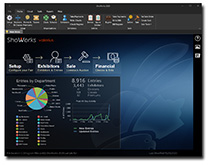
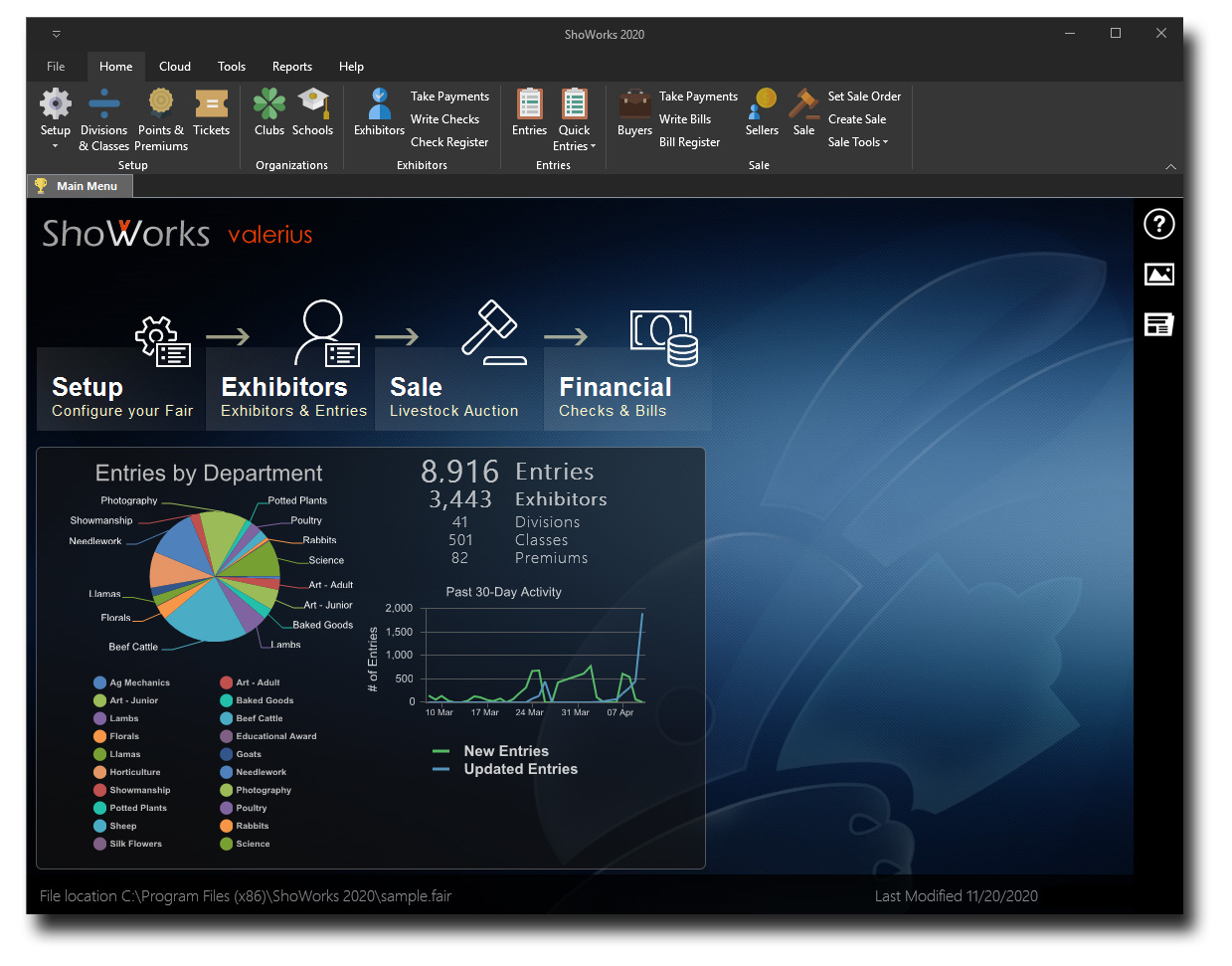
The main menu of ShoWorks now shows a timeline of when and how many entries have been added and updated each day over the past 30-days. It also shows a graphical breakdown of the number of entries in each department.
-
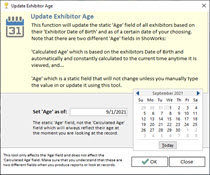
Age Tool
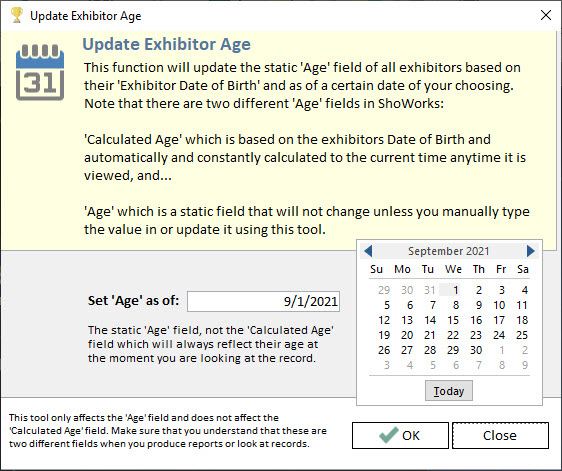
In seconds, automatically adjusts the Age of all exhibitors based on a target date and the exhibitor's birth date, eliminating the need to ask or specify an age that an exhibitor will be on a certain date.
-
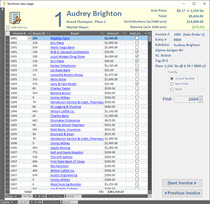
Sale Ledger Tool
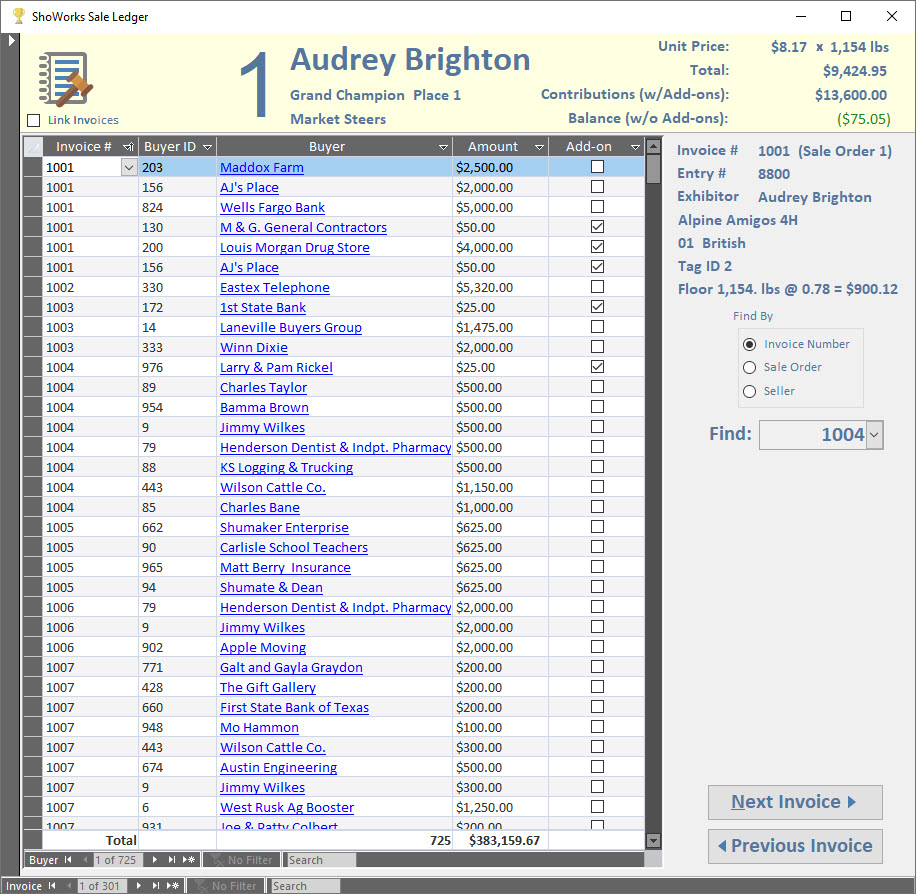
For fast clerking of the auction, allowing the entry of sale items and buyers in a list-like action, uninhibited by messages or alerts. Even import a spreadsheet from your sale transactions directly into the ledger.
-
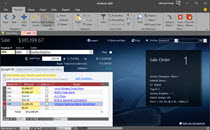
Sale Refinements
The Sale menu has been overhauled based on years of feedback, guaranteeing not only the fastest sale entry, but also less prone to error. For example, different modes allow the clerk to simply run down the list, typing buyer numbers or names, and the $ amounts will autofill and adjust in real-time for all buyers of that lot to balance against the sale price, even as you add more buyers. A different mode will adjust the unit price as you add more buyers so that you can skip unit price. And finally, that 'extra penny' rounding difference has been addressed when sale items are split in ways that leave fractions of cents. Buyer transactions can now be cagegorized using the new Transaction Type field, which allows you to tag types of transactions (no longer limited to just "True Buyer" and "Add-on"). The financial inspector tool is now integrated in the Sale menu and has been upgraded to include more logic that looks at your sale and helps you find problems immediately. Cumbersome messages that hindered the clerk have been removed since these tools now handle mistakes automatically.
-
Better fonts and sizing throughout
The Report Wizard now uses a cleaner, larger, and updated font (the user can still change). The Quick Entries menu now allows the user to change the font size for better readability. -
Enhanced 'Write Checks' and 'Write Bills'
More options for writing batches of checks and/or bills based on criteria. -
Improvements in Premiums
More options for Jackpot premiums, displaying fields, and measures to reduce time spent in premium management. -
Better Excel spreadsheet importing
Easier monitoring of potentential records that will or have been modified outside of ShoWorks from an Excel spreadsheet. -
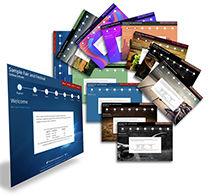
Now use consistent and new 'Themes' across all platforms including the desktop, online entries and the ShoWorks iPad app
Give the public a more tailored look to your online entries or check-in kiosks.
-
Securely collect and store your own custom PDF forms online from exhibitors including YQCA, W9s and Social Security Numbers
Then pull these all together in reports display/print online or directly from ShoWorks including secure, ready-to-mail 1099s (requires FairVault services). A new threshold options allows you to choose where to cut off 1099 dollar requirements.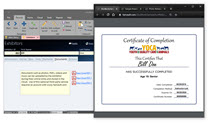
More RFID readers supported
All available RFID readers that are native compatible with iOS are now supported, including the newer Tru-Test SRS2 and XRS2 readers in addition to both Allflex readers (RS420 and LPR).
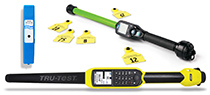
iPad check-out sheets for livestock shows where the animal is going
Helpful after an auction to ensure that the animal is being loaded onto the correct trailer for the assigned Destination. Either type in the Tag ID or simply scan the animal with a supported RFID wand for extremely fast load-outs.
-
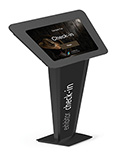
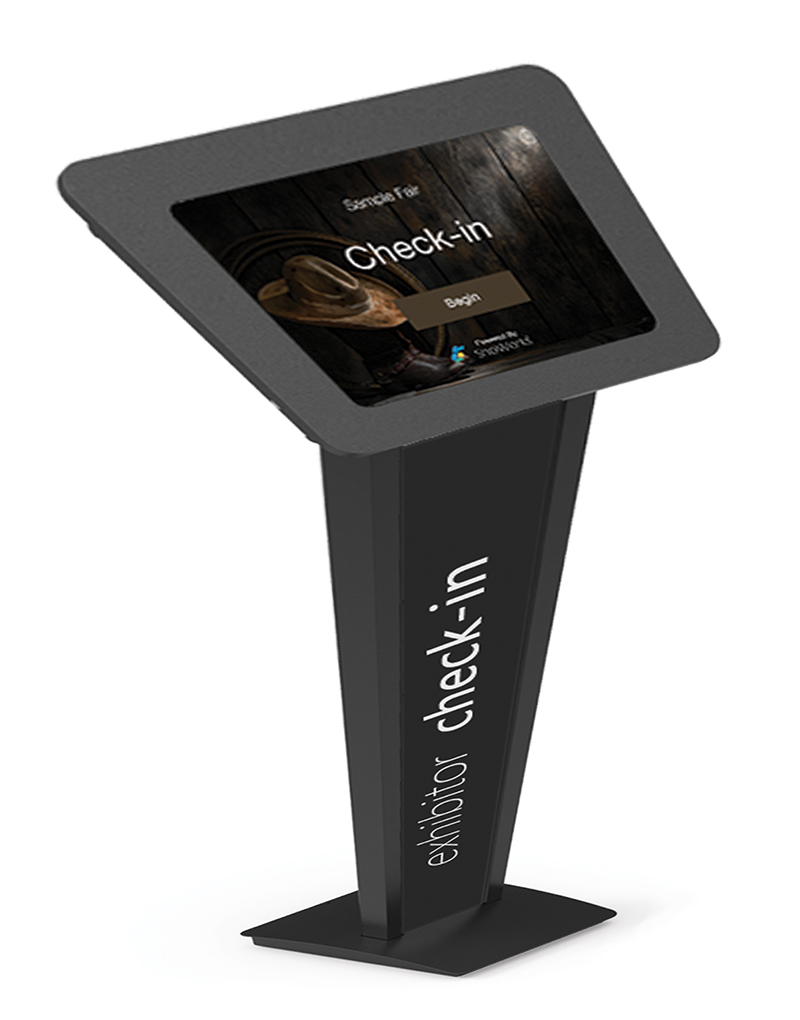
Kiosk check-in now for both exhibitors and clubs, and available as an option to all ShoWorks editions
Now this streamlined method of checking in entries from a kiosk - which prior was only available to Large and Enterprise users - can be added to Lite and Standard Edition users. Slide an iPad into a kiosk stand (as little as $20 on Amazon) and let exhibitors or clubs scan their mobile device or online entries receipt to pull up, edit, and print entries on the same entry tags that are now matched identically from the ShoWorks desktop.
iPad 'recall for champions' feature
Now a tap on the iPad allows you to pull all 1st/2nd places to judge champions, and then another tap to pull all champions to judge overall.
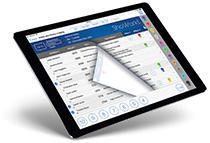
iPad printing, emailing and messaging your class sheets
With just a tap, you can send an updated class weigh-in or judging sheet or entire division or department list, directly from the iPad app to a printer, email or even a text message.
-
Improved iPad sheet sync'ing
Options to choose how and what sheets to sync as well as overriding any changes you made previously.






Prior features introduced in ShoWorks 2016
Cloud/Internet features
Create entries and check-in with any mobile device or web browser at a kiosk, print entry tags, back tags, or receipt (more coming soon!).Compatibility
We have taken the previous version of ShoWorks and expanded the compatibility, not taken away, allowing this time a deeper compatibility coverage than ever before (past three versions of Microsoft Office and Microsoft Windows including the newest releases of both Windows 10 and Office 2016).Stunning Themes
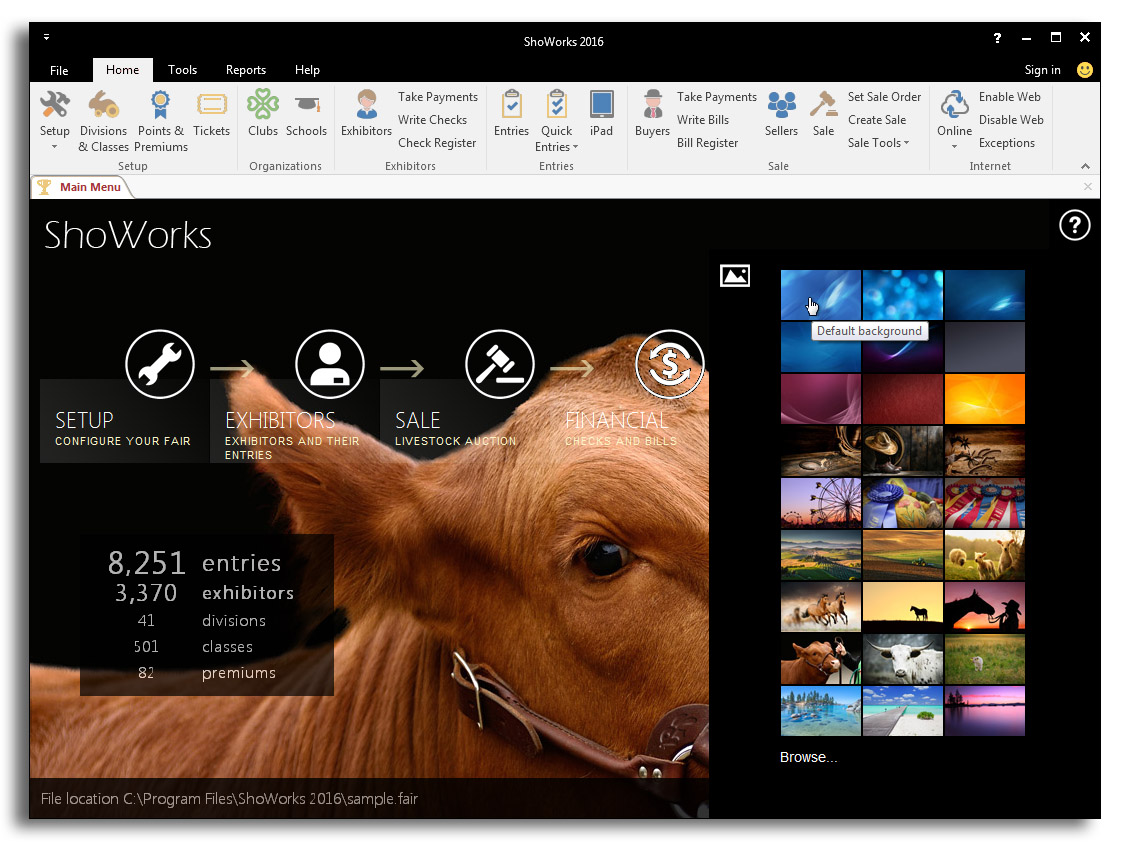
The number of themes has almost tripped, allowing beautiful homescreen and interface appearance including the ability to build your own theme using your photos.
Livestock Traceability and RFID
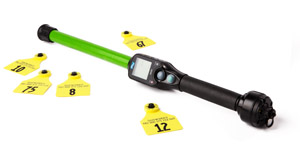
New fields added like Electronic ID, Premise ID, and UAID (Universal Animal ID) have been added, allowing identification based on global standards and easy scanning with a compatible RFID Bluetooth reader (wand) which pairs with the ShoWorks iPad app as well as the LivestockTags.com iPhone reader.
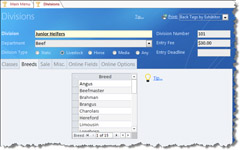
Breed storage
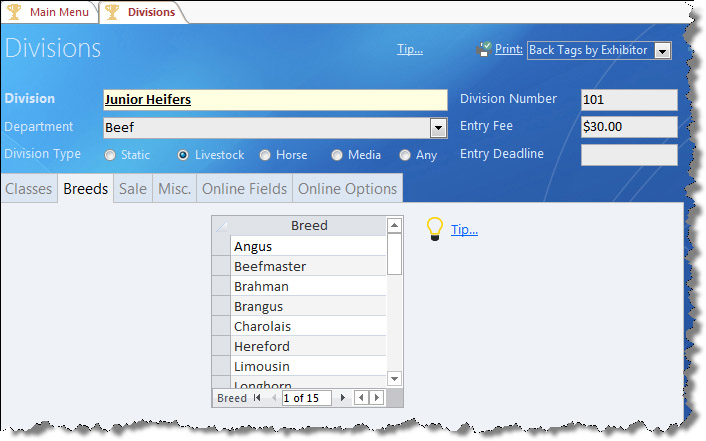
Breeds can now be preloaded and stored and managed across multiple divisions, allow drop-down selection at data entry both locally, online, and on the iPad.
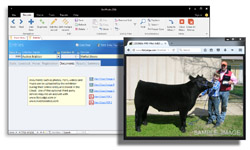
View uploaded photos and PDFs
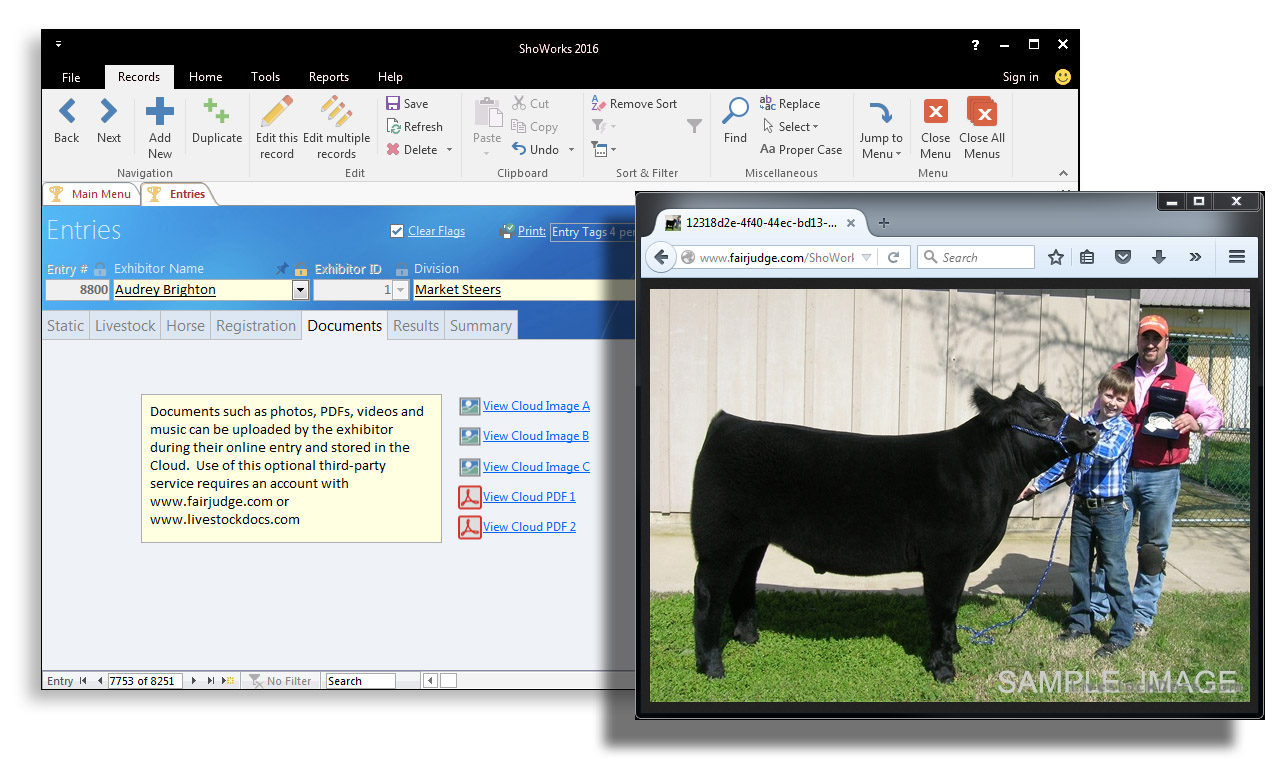
ShoWorks now connects live to FairJudge allowing you to view digital photos that exhibitors have uploaded as well as livestock health papers uploaded to LivestockDocs.
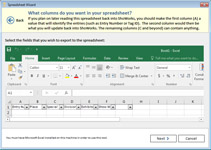
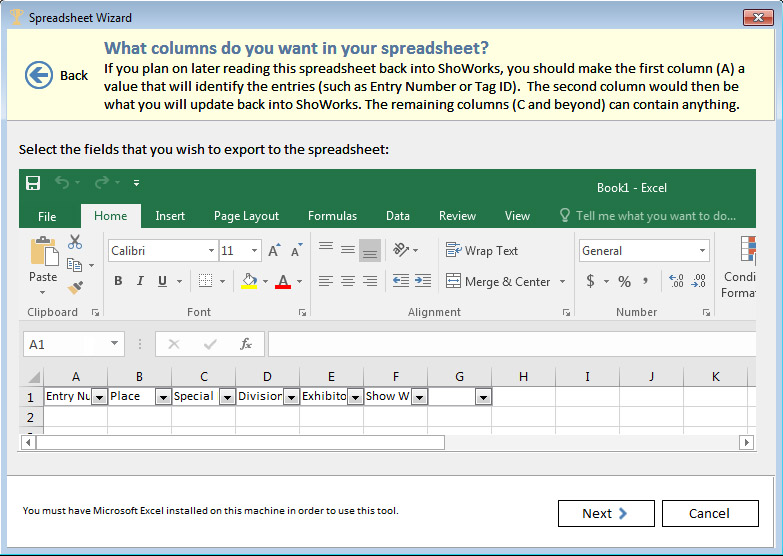
Multi-column Spreadsheet Wizard
The spreadsheet wizard now allows for multiple columns importing at the same time (formerly just one column).
Faster Entry Tag Printing
You can now mark batches of entry tags for printing, which automatically resets the marks upon printing, allowing staff to easily one-click the latest batch of entry tags without cumbersome filtering.Publish both Judging and Sale results
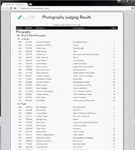
The former “publish results” has been enhanced not only to an aesthetically beautiful layout for the public, but now includes options to publish sale/auction results in addition to regular judging results all to Facebook, Twitter, Saffire and your own website.
Better Back Tags
Reduce the number of tags per exhibitor by consolidating them by class, division or department, Also, large QR Codes print (optional) on the back tags, allowing for quick scans as they enter/exit the ring.Signatures on checks
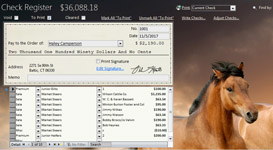
Easily insert check signature(s) for your checks to avoid hand signing hundreds if not thousands of premium and auction checks.
Premium Proofing Totals report
A new report was added that comprehensively looks at all premium calculations (both straight and sliding) to provide you with an accurate estimation of potential premium payouts.Duplicate class checks
A new utility searches for possible duplicate classes in your division structure.Adjust checks both ways
Users can now let ShoWorks automatically adjust exhibitor checks based on over or under payments made by the exhibitor, whether the exhibitor owes the fair or fair owes the exhibitor.Add-on Wizard allows “goal” capturing
Specify a goal $ amount for the sale and buyers can add this amount to their auction purchases.Adjust Buyer Bills between…
Add or take away $ amounts from buyer bills based on how much they owe from their auction purchases.Financial Inspector
We have added new scenarios and conditions to look for where ShoWorks will find human “mistakes” that were made upon entry (like typing in $ amounts that are too large or small based on past trends and averages), preventing checks and bills from being incorrect.Department Activity Report
Similar to the Exhibitor and Club Activity report, the Department and Division Activity report shows all financial transactions related to each department including both entry fees and exhibitor fees like gate passes, etc.Increased data input field size
Many of the fields that had too small of character limit (such as “status”, user defined text and lists, division sponsors, etc. were increased to their maximum physical allowed length by Microsoft, allowing the fair to store more information.Clean up online data entry
In addition to the existing “Proper Case” action, a new “UPPERCASE” option has been added to the right-click menu which changes data to the desired case.Stable code
The dependency on Microsoft’s “mscomctl.ocx” was finally removed, which was a headache forcing some to frequently re-run an update patch for restoring the startup of ShoWorks.iPad: Streamline with RFID readers
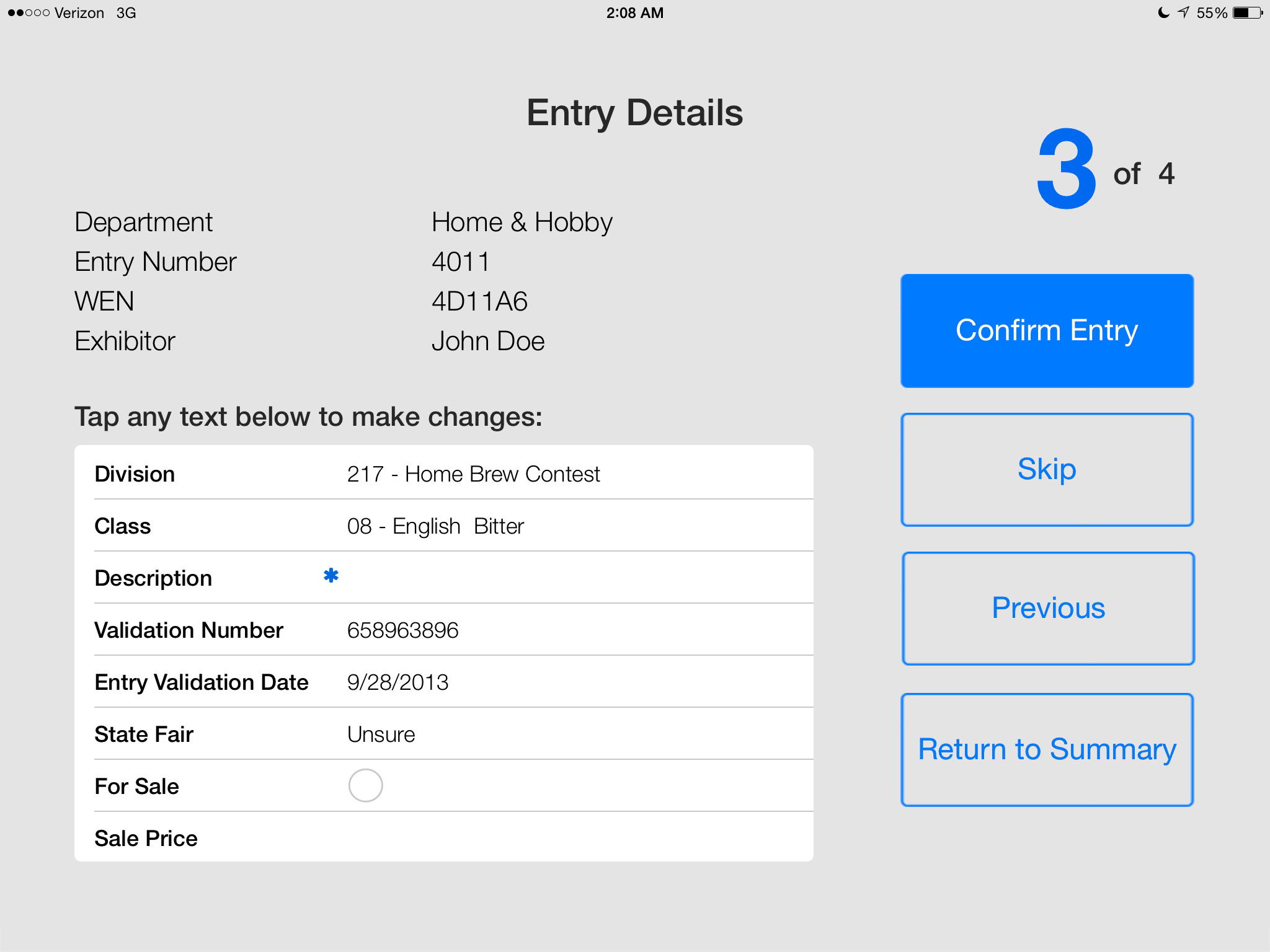
Scan RFID (Electronic ID) livestock tags using a Bluetooth EID reader (by Allflex), easily locating entries for judging, check-in and check-out.iPad: Exhibitors print their own entry tags and back tags or receipts upon check-in
Kiosk printing now allows printing of large back-tags and continuous receipt layout, in addition to the existing entry tags. Printing defaults are now setup prior to the exhibitor’s interactioniPad: Easily move entries
Move entries to different divisions or classes (optional).iPad: “Check-out Mode” for traceability to theft prevention
Allows scanning of entries upon their exit which records date/time and the device/person that scanned them.iPad: Faster kiosk check-in
Kiosk workflow has been totally redesigned, allowing for a much smoother and faster exhibitor check-in.
iPad: Control the data collected at kiosks
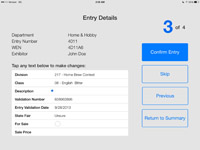
Kiosk now allows “required” fields, allowing you to force exhibitors to complete additional data at check-in. An option has also been added to prevent exhibitors from changing data once they have confirmed an entry at check-in.Online: Feedback and ratings
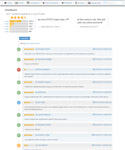
Stay on top of what your exhibitors say about your fair experience. Similar to Amazon ratings (5 star with comments).
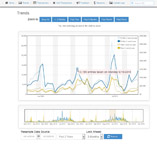
Online: Trends and Stats
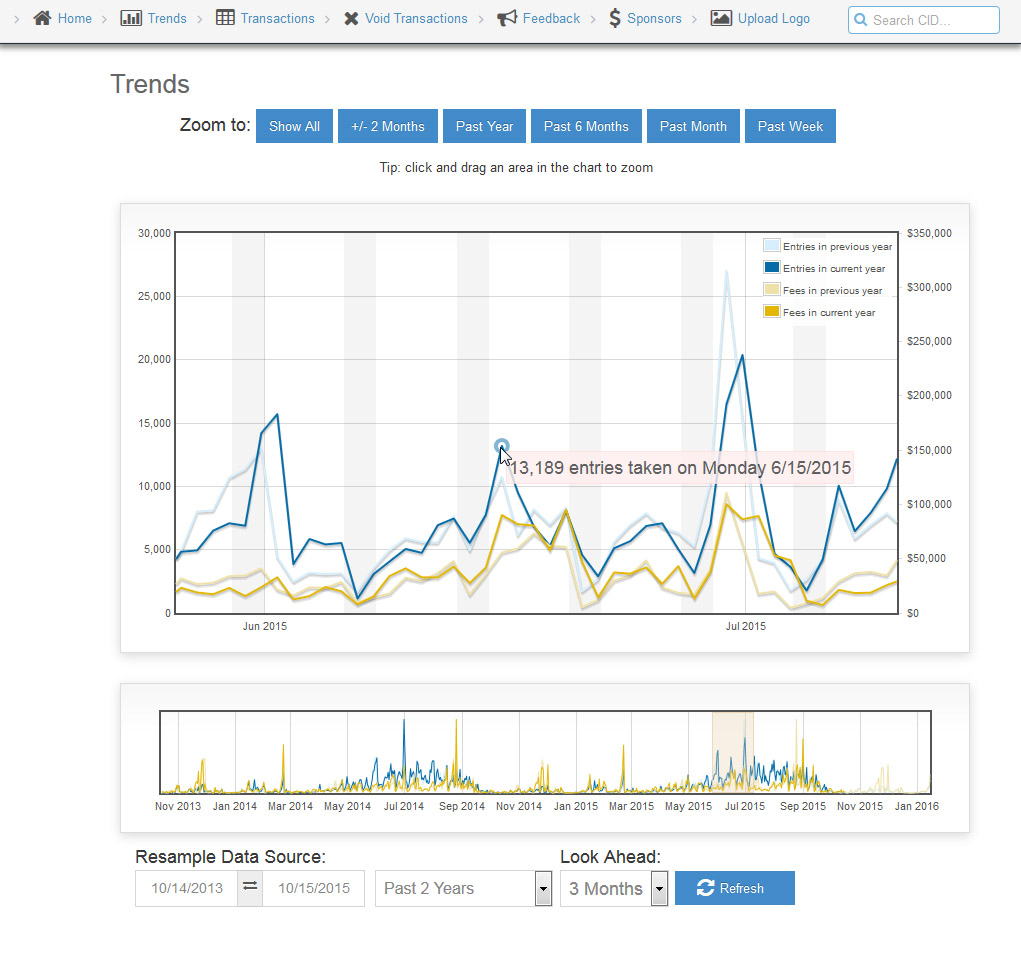
Monitor your online activity with graphs showing the trends of this year’s activity compared to last year.
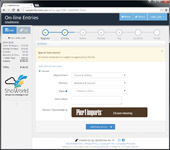
Online: Responsiveness
A new platform independent re-written website gives a fresh new look to a stable familiar standard that adapts to whatever device the visitor has, whether web browser, tablet or smart phone.
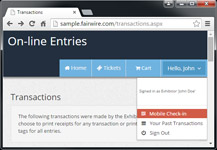
Online: Exhibitor mobile Check-in
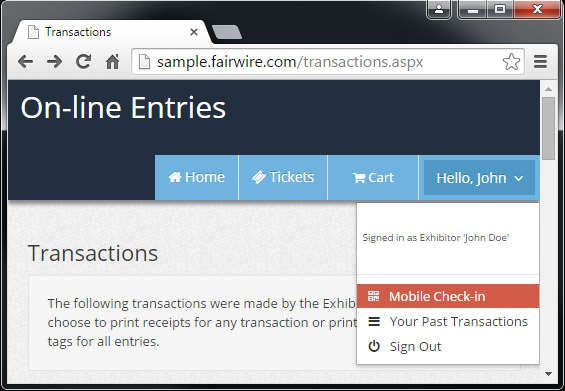
The public is used to and has come to expect to be able to check-in with their mobile devices. If you are using the iPad kiosks for self-check-in, exhibitors can pull up their QR Code online and hold their phone in front of the kiosk to recognize them and being the check-in process.
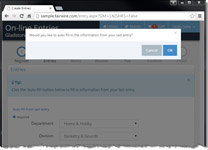
Online: Easier data entry
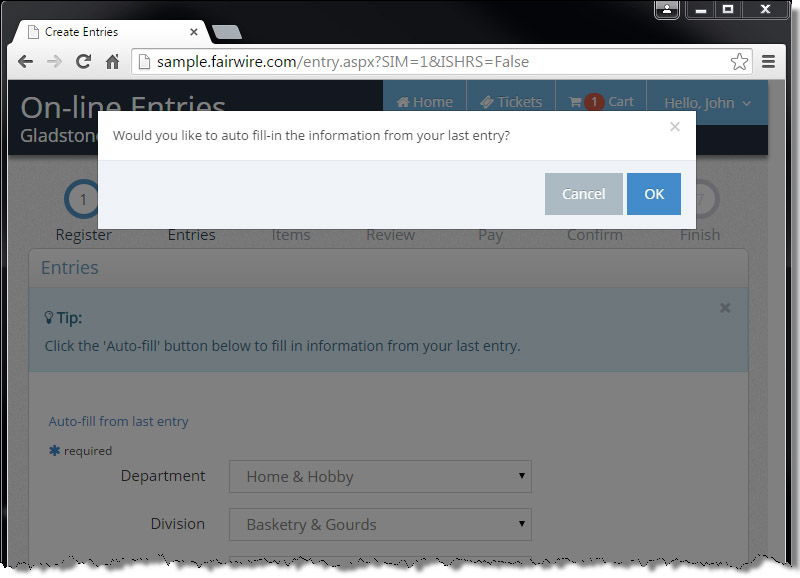
Let exhibitors duplicate/copy entries into other divisions and classes.
Online: Division and Class “caps”
Limit the number of total online entries on a division-wide or class-wide basis. Also limit the number of entries any single exhibitor can make either in a division or class.Online: Receipts now built-into your local ShoWorks
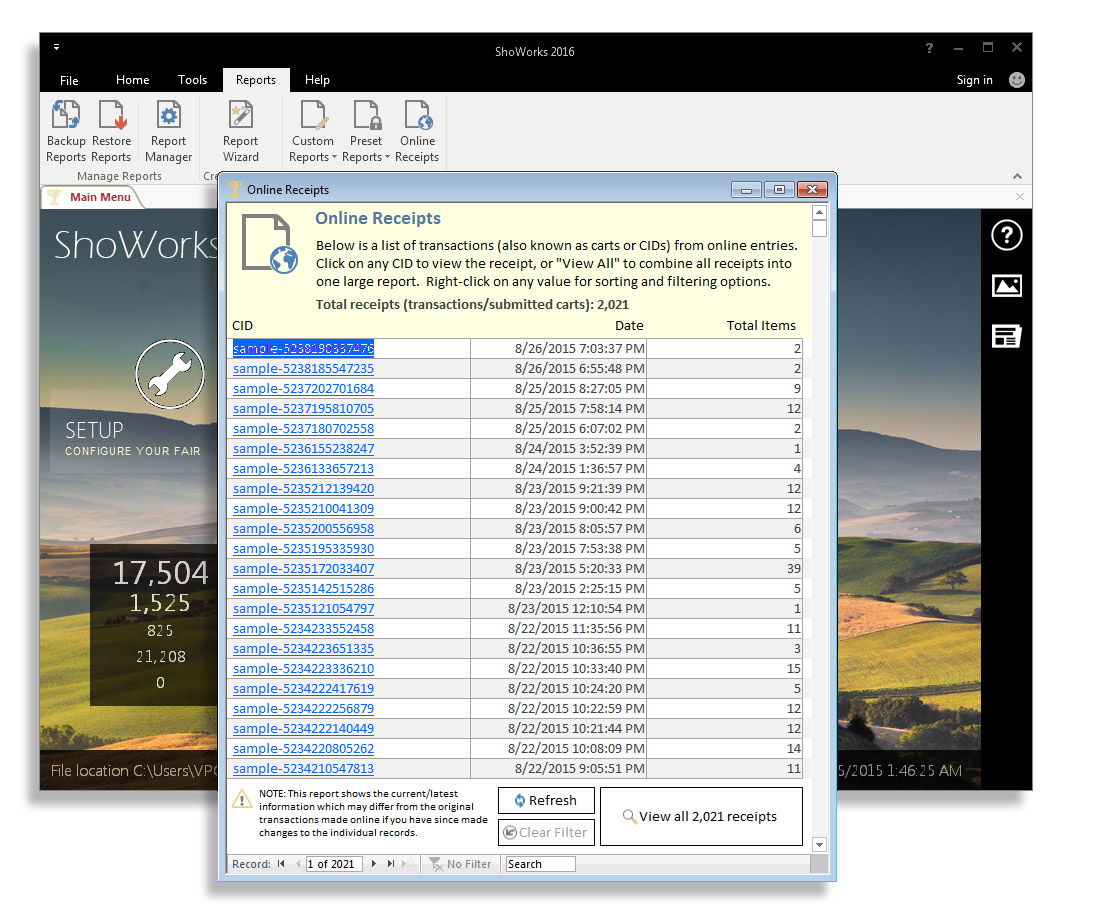
We found that many people would print individual online receipts. Now this can be done locally, allowing quick access to printing entire batches of online receipts.
Online: Entry deadlines are now verified
Prior to uploading and going live online, ShoWorks reminds you if any divisions have illogical entry deadlines (greater than 6 months expired), preventing embarrassing hassle of your online exhibitor experience.


Prior features introduced in ShoWorks 2012:
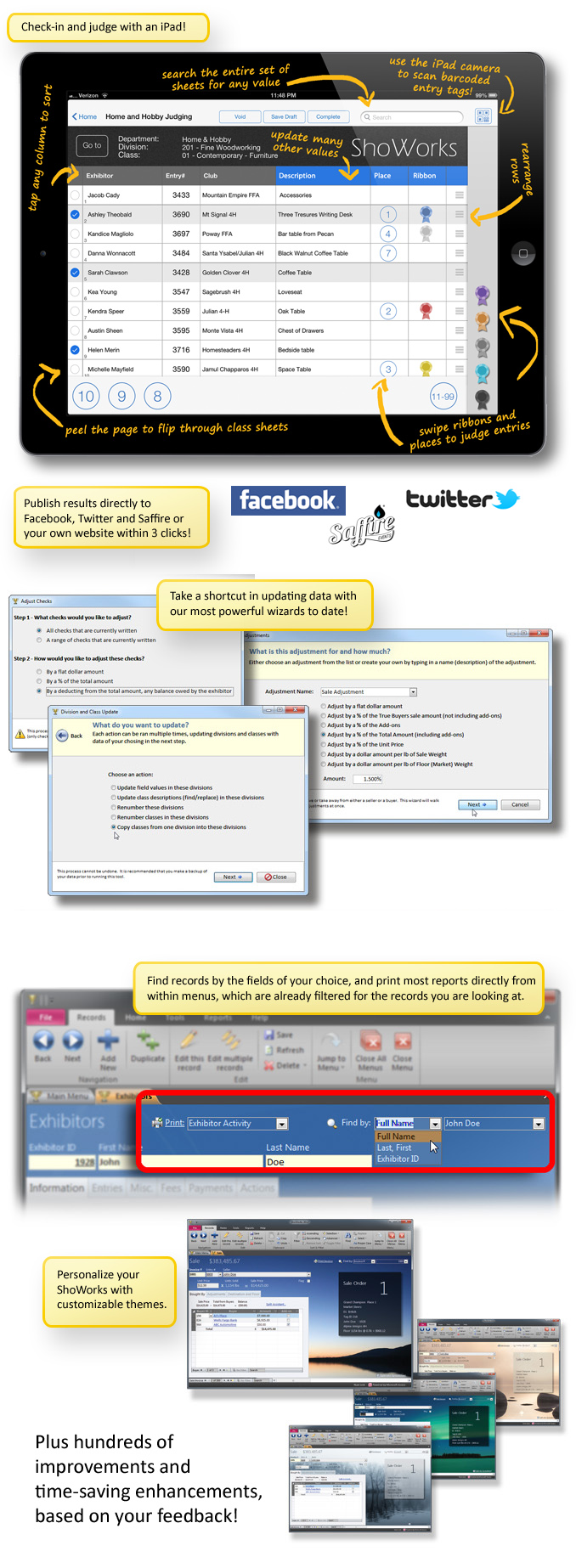
- Judge or check-in your entries on an iPad tablet.
- Self-check-in for your exhibitors via kiosk (using an iPad mounted in stands).
- Print QR Codes (barcodes) on entry tags for quick scanning (using an iPad as the scanner).
- Publish results directly to Facebook, Twitter, Saffire
 , or your own website within 3 clicks.
 - Set class limits for exhibitors.
- Many new preset reports including payment discrepancy, back tags, buyer cards, coop cards, etc.
- New wizard to update divisions and classes all at once with our most powerful wizard to-date.
- Update any field in all or selected departments, divisions or classes at once.
(examples: Entry deadline, entry fees, premiums, sale info, online configurations, etc. - Find and “bump” any date values by one year.
- Sort and renumber all or selected departments, divisions or classes at once.
- Copy classes from one division into many other divisions at once.
- New wizard to adjust checks for flat amounts, %’s, and deductions for owed entry fees.
- New wizard to adjust bills for flat amounts, and %’s.
- New wizard to adjust sale for flat amounts, % of sales, % of add-ons, % of unit price, and per pound.
- Display Tag ID and easy-to-read ownership in bills, invoices, and sale reports.
- Find records in menus using drop-down from the field of your choice.
- Print content sensitive reports (both preset and custom) directly within menus.
- Create Microsoft Excel spreadsheets in one click from both the report wizard and quick entries.
- Improved online entry data uploading during high traffic times.
- Sell general admission tickets online and configure directly in ShoWorks.
- Personalize your ShoWorks with 12 beautiful themes.
- Allow clubs and schools to login and approve entries.
- Online Media - Upload photos, videos, music and PDFs for entries.
- Online Media - Judge, score, and comment on entries online, anywhere, anytime.
- Online Media - E-blast entry tags and online judging results.
- Online Media - Display top placed photo entries via slideshow on your own website or monitors.
A quick glance:
Prior features introduced in ShoWorks 2009:
Interface Features:
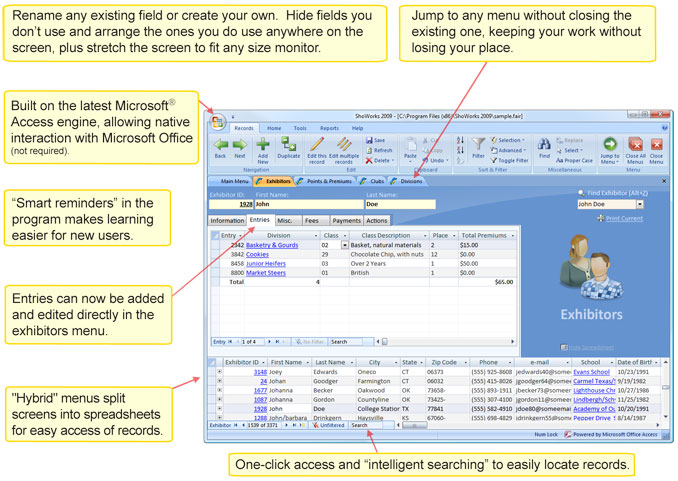
- Scalable interface to take advantage of larger, more popular monitors (yet still work on most smaller ones). Minimum display size is now 1024x768 (as opposed to the former 800x600). Basically, the larger screen size you have, the more ShoWorks will adapt.
- Customizable interface. That's right!
- We mean the ability to rename fields on your menus (don't like the term "Class", no problem, rename it to "Lot" with ease).
- We mean the ability to fully customize your own menus (add, remove, re-arrange the form with the fields you want - no more padlocks).
- We mean dragging, resizing, and arranging columns in spreadsheet view and ShoWorks remembering your arrangement.
- Hybrid menus - that show the traditional menu with fields (one record per screen) plus a spreadsheet type view on the bottom of the menu that has all records as a list for fast/easy management. Very nice - one of our favorite features!
- Active menus (move among menus and keep your place). For example, you may be working on a particular record in the Divisions menu, then need to flip to the Exhibitors menu. When you go back to the Divisions menu, your cursor on the same record is right where you left it to pick up where you left off.
- Intelligent searching. Now, a generic search box where as you type, ShoWorks narrows down the records on "every" field. For example, start typing "Cal" and ShoWorks narrows records down to those including Calvin as a first name, Calhoun as a last name, Calgary as a city, Callamazoo High School as a school... Just keep typing and the more you type, the narrower the results get. Type in 307 and records are narrowed down with 307 as an Entry Number, 307 as an Exhibitor Number, 307 as an area code...and you get the idea.
Data Features:
- Lots of User Defined fields (71 new fields to be exact).
- New "import and merge latest changes" wizard, updating, merging and importing records from another ShoWorks data file without needing a network.
- Automated offsite backups to protect your data from any disaster.
Functional Features:
- Report grouping (organize your custom reports by dragging and dropping into groups).
- Three times as many preset reports as prior versions, including refinements in existing preset reports. Click here for a 33-page sample of preset reports (PDF).
- True Sliding Scale Premium Scheduling. This will save lots of time on premium management. The former method of points and premiums is still available and can be used cooperatively with the new method.
- E-blast manager.
- Flexible sale commissions to exclude add-ons.
- Split sale purchases easier by using a built-in assistant
- Paperless buyer billing and payments (e-blast their bills and they click a link to pay online with a check or credit card).
Online Features:
- Create multiple entries (multi-class) for those exhibitors with many entries all in one click.
- Flexible fees to charge by exhibitor or by entry.
- Online buyer payments if you also have an auction.
- Gather valuable feedback from your exhibitors with a customizable survey at checkout.
- Customize the entire site exactly to your fair’s needs with “skins” that match your fair theme.
And almost 1,000 other enhancements and tweaks based on years of feedback from hundreds of fairs across North America.
